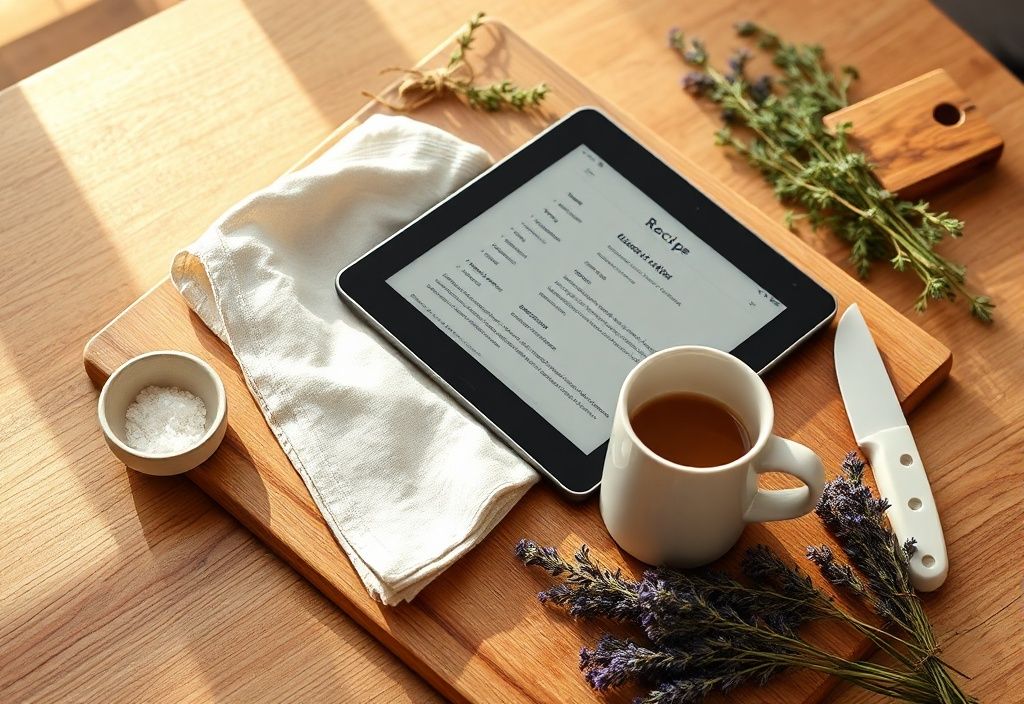
Cooking can be messy, and flipping through paper recipe books isn’t always practical—especially when your hands are covered in flour or sauce. That’s where a tablet comes in. Whether you’re a seasoned chef or a beginner, using a tablet for recipes can make your cooking experience easier, more organized, and even more enjoyable.
In this guide, we’ll walk you through everything you need to set up your tablet for recipe success, from choosing the right device to avoiding common kitchen pitfalls. Let’s get started!
Materials needed
- Tablet: Any modern tablet with a decent screen size (7 inches or larger) will work. Popular options include the iPad, Samsung Galaxy Tab, or Amazon Kindle Fire.
- Stand or holder: A stable tablet stand or wall mount keeps your device at eye level and hands-free. Choose one that’s easy to clean (like silicone or stainless steel).
- Protective case or splash cover: Protects your tablet from spills, steam, and food splatters. Consider a waterproof case or a clear silicone sleeve.
- Digital recipe app: Apps like Paprika, Whisk, or Google Keep help organize and display recipes clearly. Some even sync across devices.
- Charging cable or portable battery: Keep your tablet powered up to avoid interruptions mid-recipe.
- Optional accessories: Bluetooth keyboard (for typing notes), stylus (for marking recipes), or a screen protector (for easy cleaning).
Preparation steps
Step 1: Choose and download a recipe app
Before you even open your tablet, decide which recipe app suits your needs. Here’s a quick comparison of popular options:
- Paprika: Great for importing and organizing recipes from websites. Offers meal planning and grocery list features.
- Whisk: Syncs with grocery delivery services and allows you to clip recipes directly from the web.
- Google Keep: Simple and free—ideal for quick notes and photos of handwritten recipes.
Download your chosen app from the App Store (iOS) or Google Play Store (Android), then create an account if required. Spend a few minutes exploring the interface to familiarize yourself with features like search, filters, and meal planning.
Step 2: Set up your tablet for hands-free use
Safety and convenience are key in the kitchen. Follow these steps to prepare your tablet:
- Clean your tablet screen: Use a microfiber cloth and a bit of screen cleaner to remove fingerprints and grease.
- Install a screen protector (optional): A matte or anti-glare protector reduces reflections and makes the screen easier to read.
- Charge your tablet: Plug it in or place it on a charging dock near your workspace.
- Position your stand: Place the stand on a flat, stable surface away from heat sources. Angle it for comfortable viewing—about 30 to 45 degrees is ideal.
- Test the recipe view: Open your recipe app and adjust the font size and brightness so the text is clear and easy to read from a safe distance.
Assembly
Step 3: Load your recipes into the app
Now it’s time to get your recipes onto your tablet. Here’s how:
- Import from websites: Use your app’s “Import” or “Clip” feature to save recipes directly from food blogs or cooking sites. Paprika and Whisk both support this.
- Upload photos of handwritten recipes: Snap a photo of your grandma’s famous pie recipe and save it as a PDF or image in your app.
- Use cloud storage: Store PDFs or recipe files in Google Drive or iCloud, then access them through your app.
- Organize by category: Create folders like “Breakfast,” “Dinner,” or “Desserts” to keep your recipes tidy and easy to find.
Pro tip: Add tags like “30-minute meals” or “vegetarian” to make searching even faster.
Step 4: Customize your recipe view
A cluttered screen can slow you down. Optimize your recipe display for cooking:
- Use full-screen mode: Most recipe apps let you hide menus and focus on the instructions. Look for a “Reader View” or “Distraction-Free Mode.”
- Enable night mode or dark theme: Reduces eye strain when cooking in dim lighting.
- Turn on voice guidance (if available): Some apps read recipes aloud—great when your hands are full.
- Add timers and notes: Use the app’s built-in timer or set phone alarms for baking times. Add your own notes like “don’t overmix!”
Mistakes to avoid
Even with the best setup, small mistakes can turn your cooking session into chaos. Here’s what to watch out for:
- Placing the tablet too close to heat or water: Steam from boiling pots or splashing oil can damage your device. Keep it at least 12 inches away from the stove.
- Using a wobbly stand: A flimsy tablet holder can tip over, especially when you’re stirring vigorously. Invest in a sturdy, weighted stand.
- Ignoring battery life: Nothing’s worse than a dead tablet in the middle of cooking. Always check the battery before starting.
- Overloading the screen: Too many open apps or browser tabs slow down your tablet and distract you. Close everything except your recipe.
- Not cleaning the screen: Food residue, grease, and flour can build up and make the screen hard to read. Wipe it down between uses.
Pro tips
Want to make your tablet work even harder for you in the kitchen? Try these advanced tips:
- Use a Bluetooth keyboard for notes: If you’re tweaking recipes or taking cooking notes, a small foldable keyboard keeps your hands clean.
- Enable offline access: Download recipes in advance so you can cook even without Wi-Fi.
- Create custom folders by meal type: Organize by breakfast, lunch, dinner, and snacks to save time during meal prep.
- Use voice commands: On Android or iOS, use Google Assistant or Siri to search for recipes hands-free: “Hey Siri, find chocolate chip cookie recipes.”
- Print a backup copy: Keep a paper copy of critical recipes (like soufflés or delicate pastries) in case of technical issues.
- Keep a small spray bottle nearby: Use it to quickly clean the screen protector or case without taking the tablet apart.
Bonus: Cleaning and maintenance
Your tablet will see a lot of kitchen action, so it needs regular care:
- Clean the stand: Wipe it down with a damp cloth and mild soap weekly.
- Update your apps: New versions often include bug fixes and improved features—keep everything up to date.
- Check cables and ports: Dust and grease can clog charging ports. Use compressed air to clean them occasionally.
- Store safely when not in use: Keep your tablet in a drawer or cabinet when not cooking to protect it from heat and humidity.
With your tablet set up correctly, cooking becomes more efficient and enjoyable. No more messy recipe cards or sticky cookbooks. Your digital assistant is ready to guide you every step of the way—just keep it clean, charged, and at a safe distance from the stove!
Happy cooking!